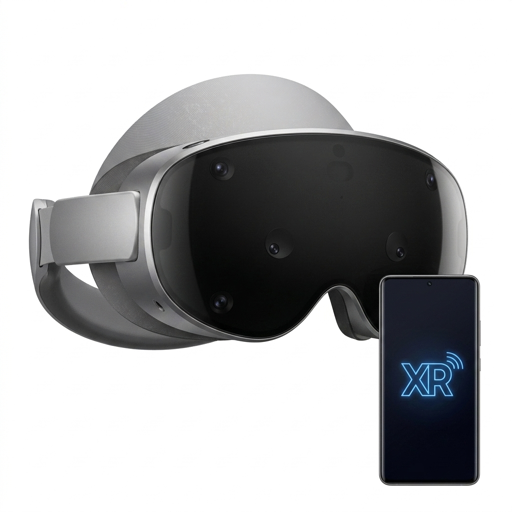
Android XR · Companion for Android 14+

Your phone, mirrored in spatial space.

Stream and control your Android phone from an Android XR headset over an encrypted, pin-paired local connection. No cloud. No accounts. Your screen never leaves your Wi-Fi.

XR Phone Viewer and XR Phone Server are live on Google Play.

Two apps, one link

Install the viewer on your headset and the server on your phone. They pair over a QR code.

XR Phone Viewer

Free

The Android XR Home Space viewer. Scan a QR code to pair, then see and touch your phone as a floating window with natural pinch and pointer controls.

  • Non-immersive Home Space window
  • XR pointer & hand-tracking input
  • Low-latency H.264 video + AAC audio
Get on Google Play

XR Phone Server

$2.99

The phone-side capture and control app for Android 14+. Shares your screen and playback audio, and accepts remote touch from the paired headset.

  • MediaProjection screen & audio capture
  • TLS server, single authenticated client
  • Remote touch, scroll & text injection
Get on Google Play

How it works

Three steps, entirely on your own network.

  1. 1

    Grant permissions

    On the phone, enable the accessibility service and approve screen & audio sharing.

  2. 2

    Scan to pair

    The phone shows a QR code that carries a one-time TLS pinning token. The headset scans it.

  3. 3

    Mirror & control

    Your phone appears in Home Space. Pinch and point to tap, scroll, and type — in real time.

Private by design

No cloud relays, no analytics, no accounts. The mirrored screen, audio, and controls stay between your two devices on your local network.

Read the privacy policy